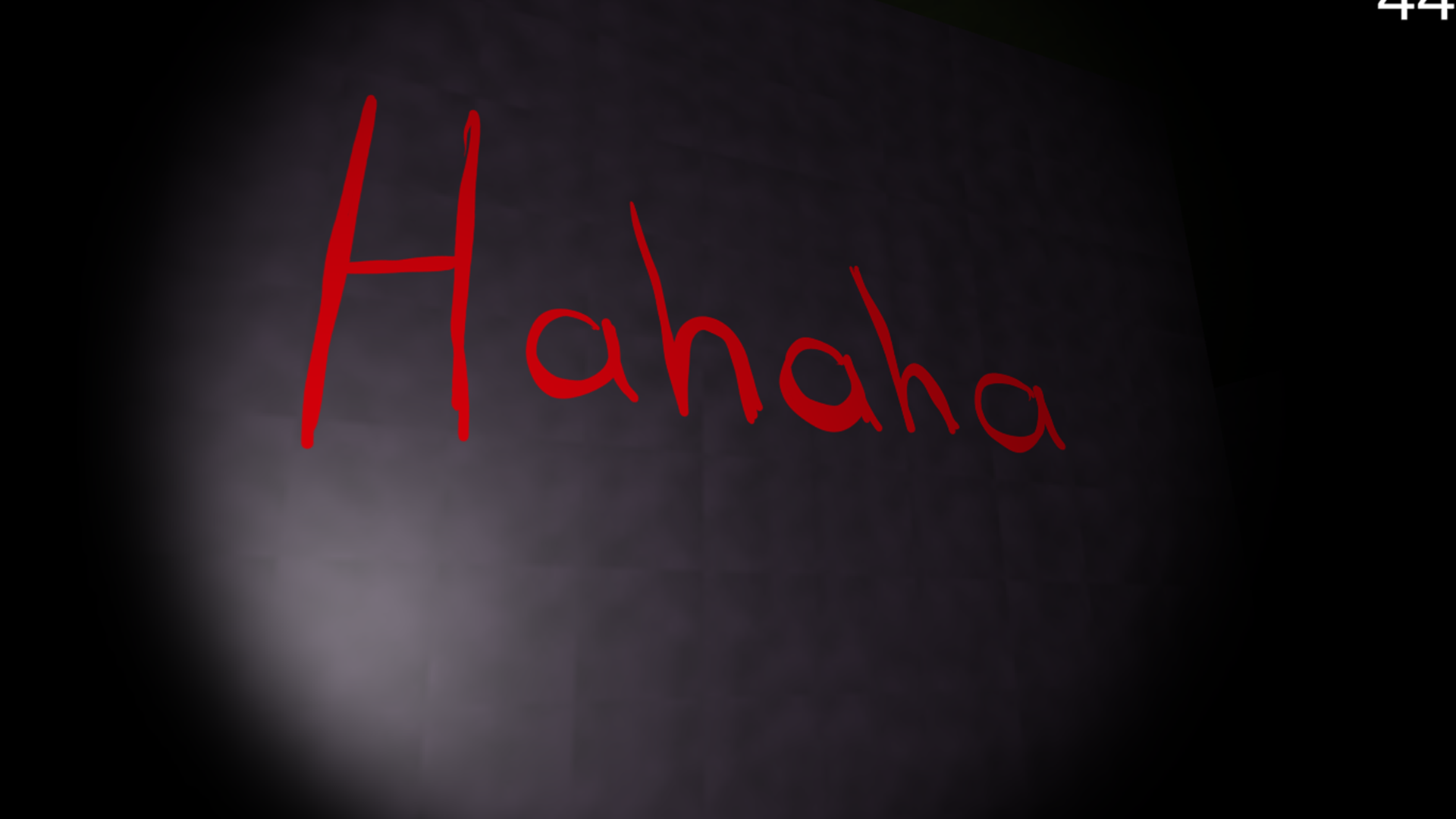
Coma · College Game Jam
Horror game jam on the theme “Another World” · led a team of newer developers
- RoleTeam Lead · Programmer
- Year2021
- EngineUnity
- PlatformPC (itch.io)
- ForCollege midterm game jam
Highlights
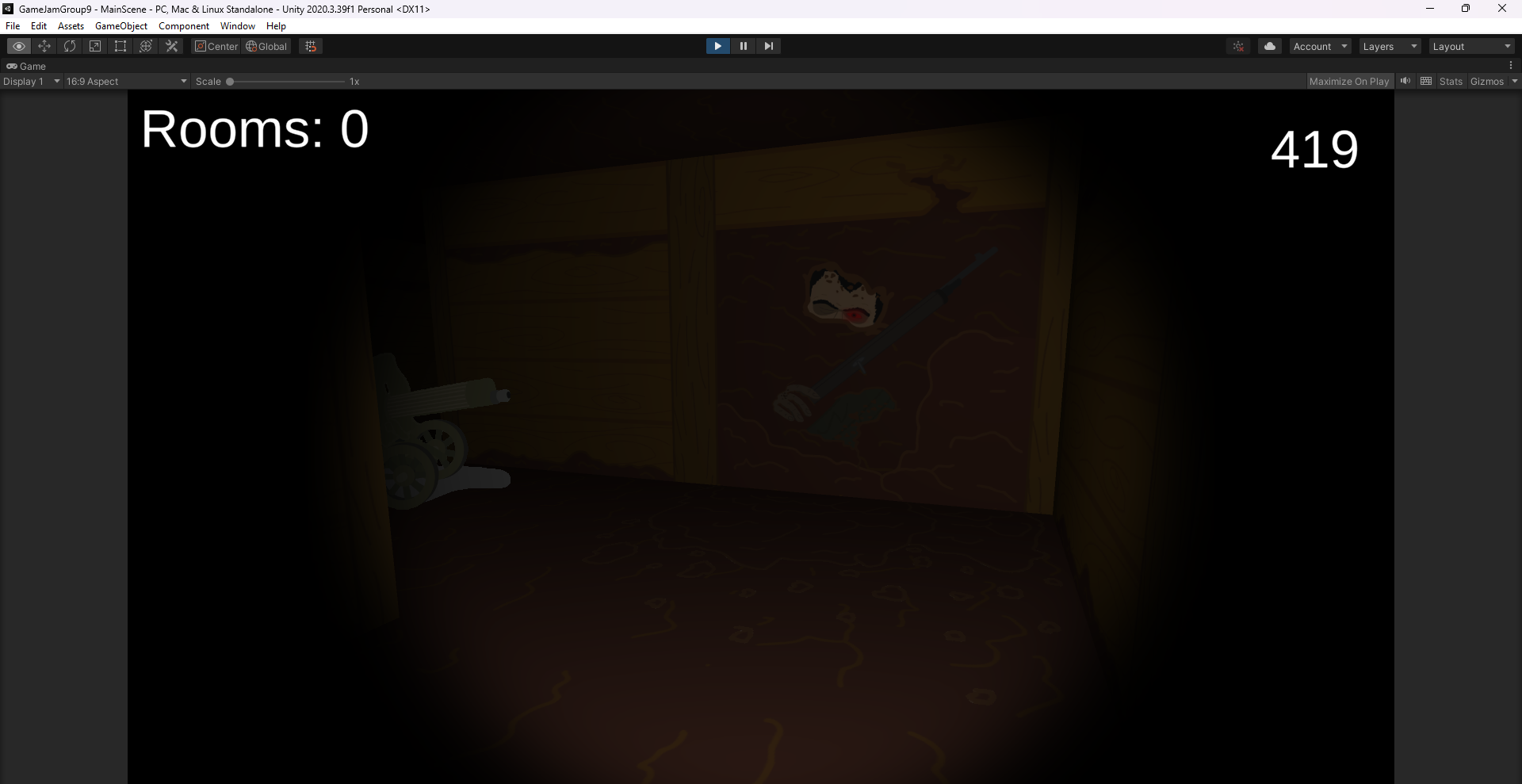
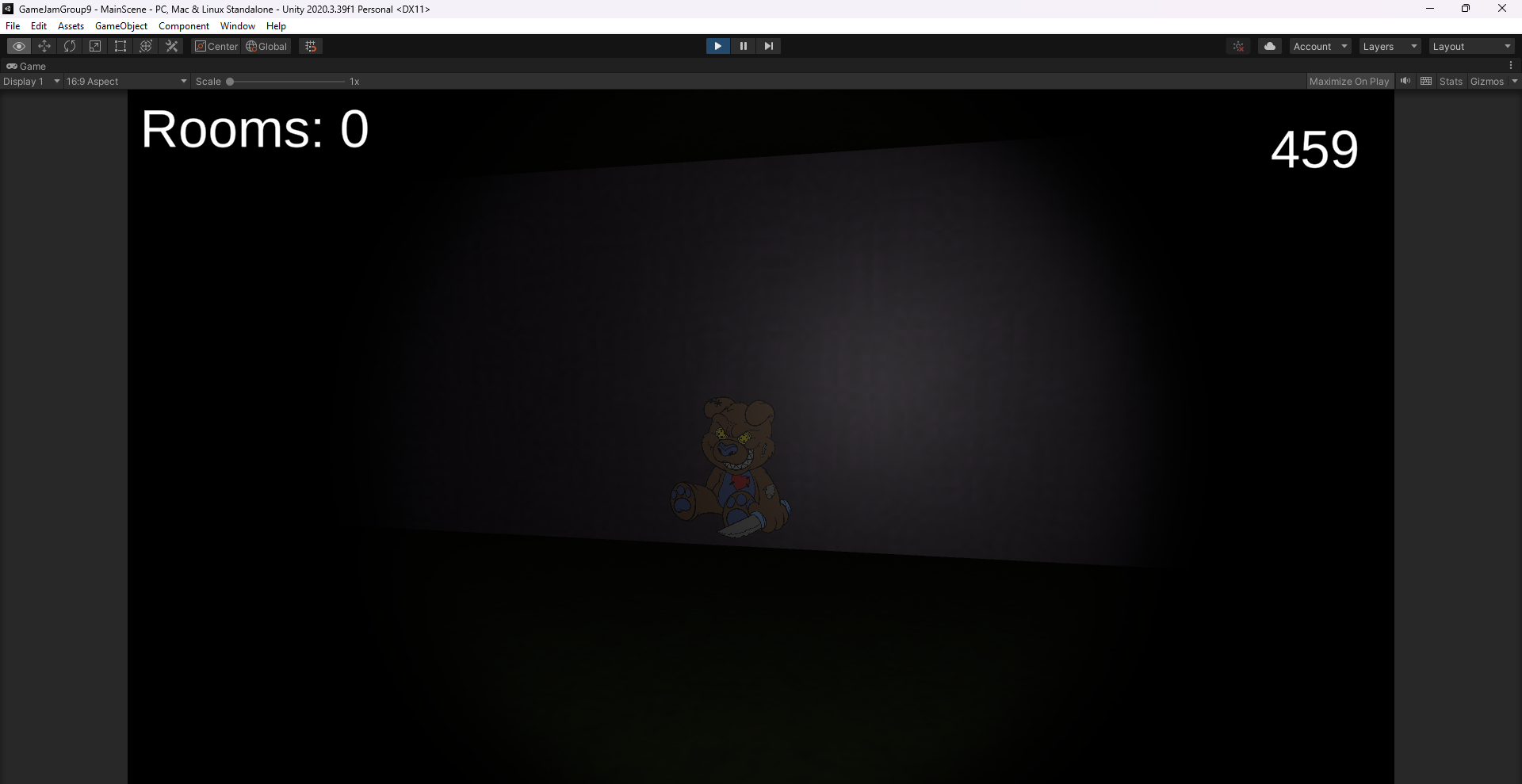
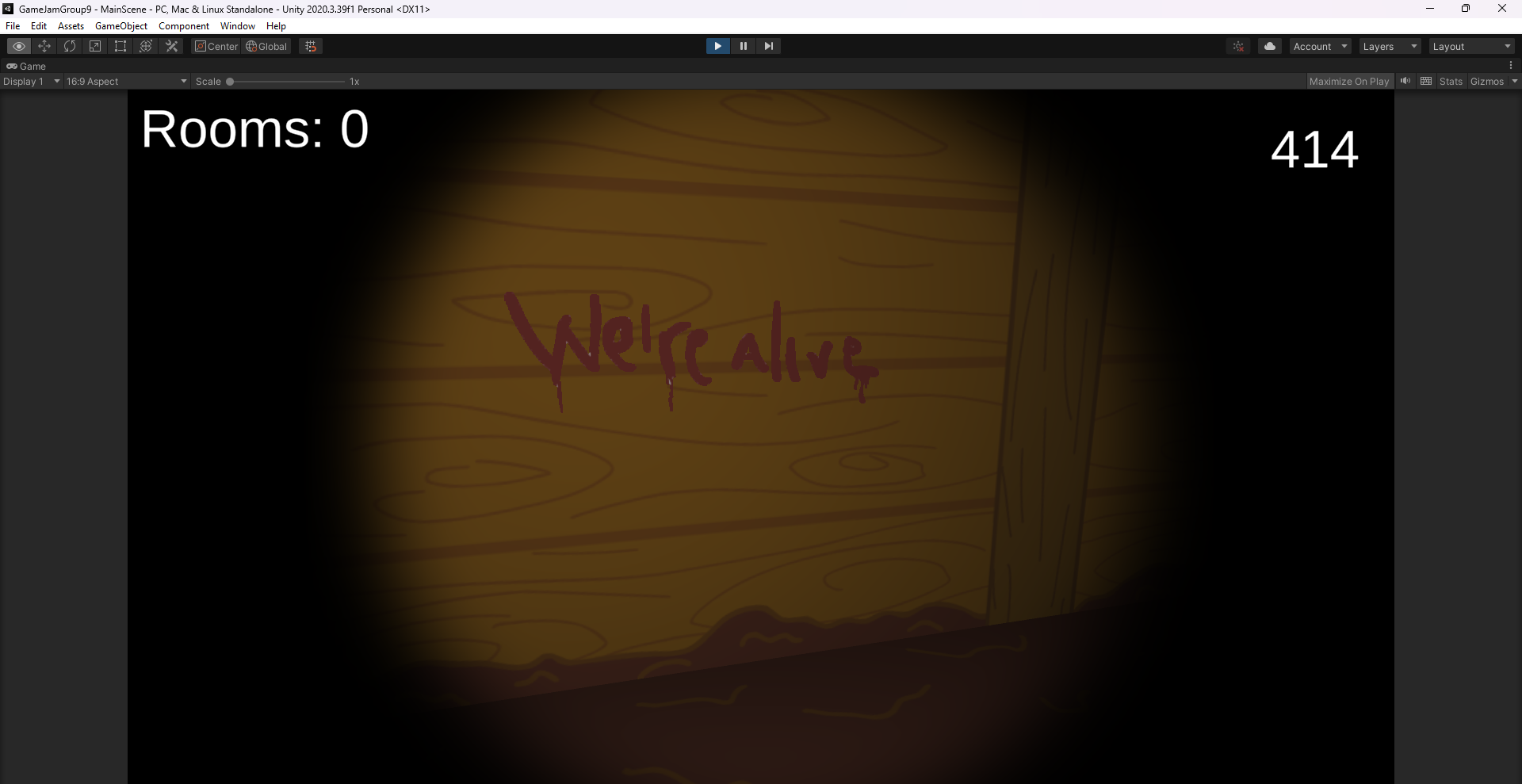
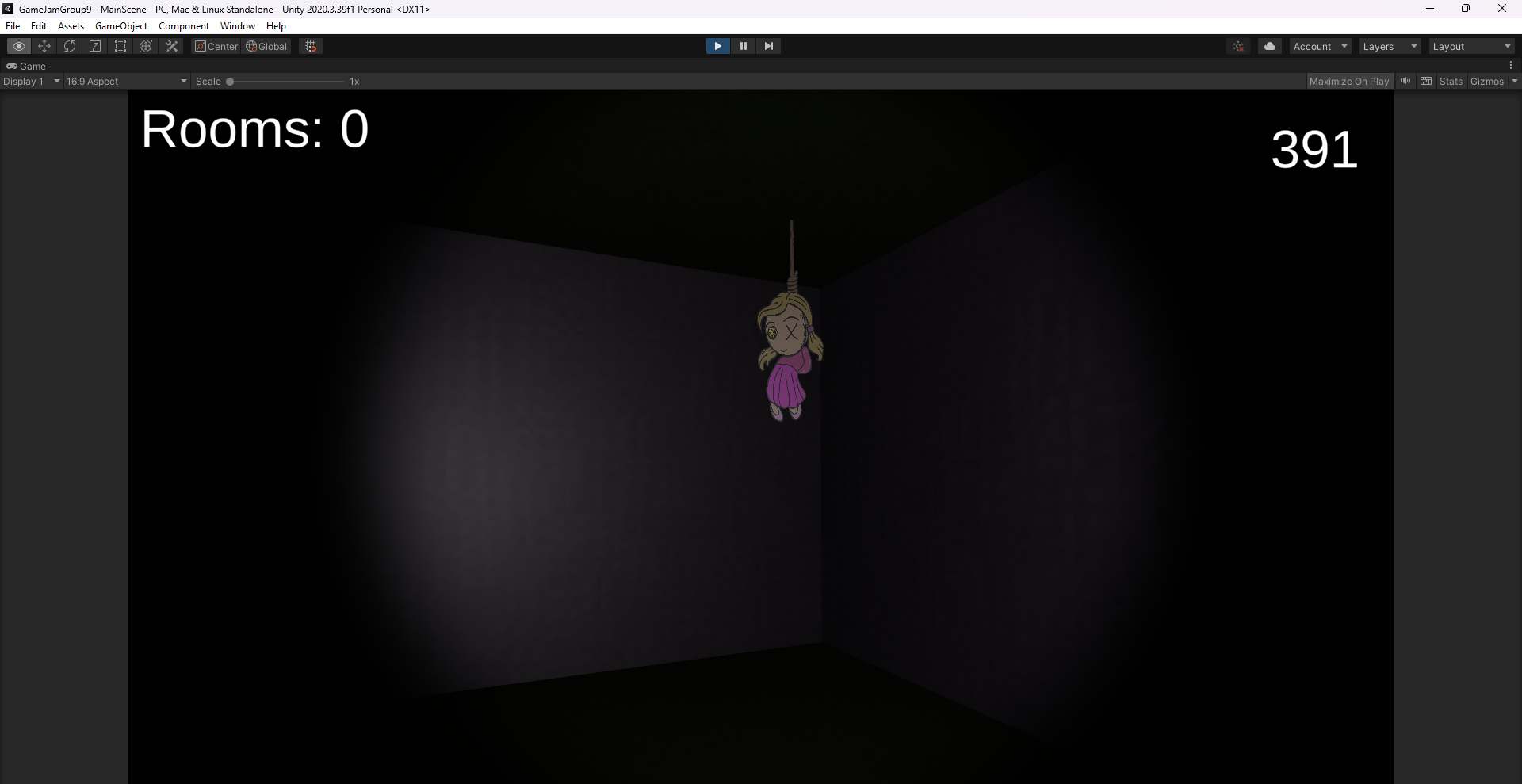
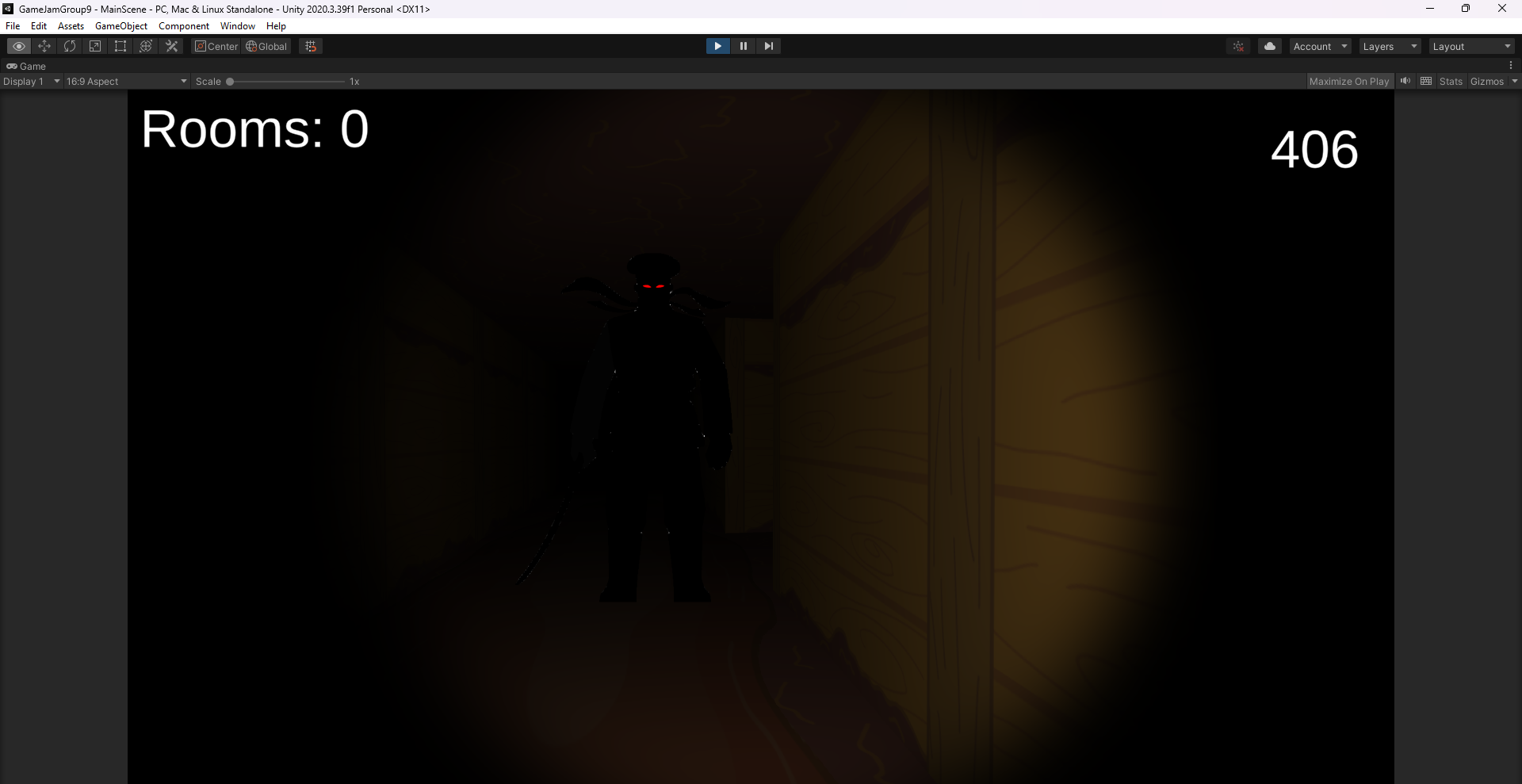
- 2D sprites that always face the player inside a 3D maze: an unsettling look the team could actually produce on a jam timeline
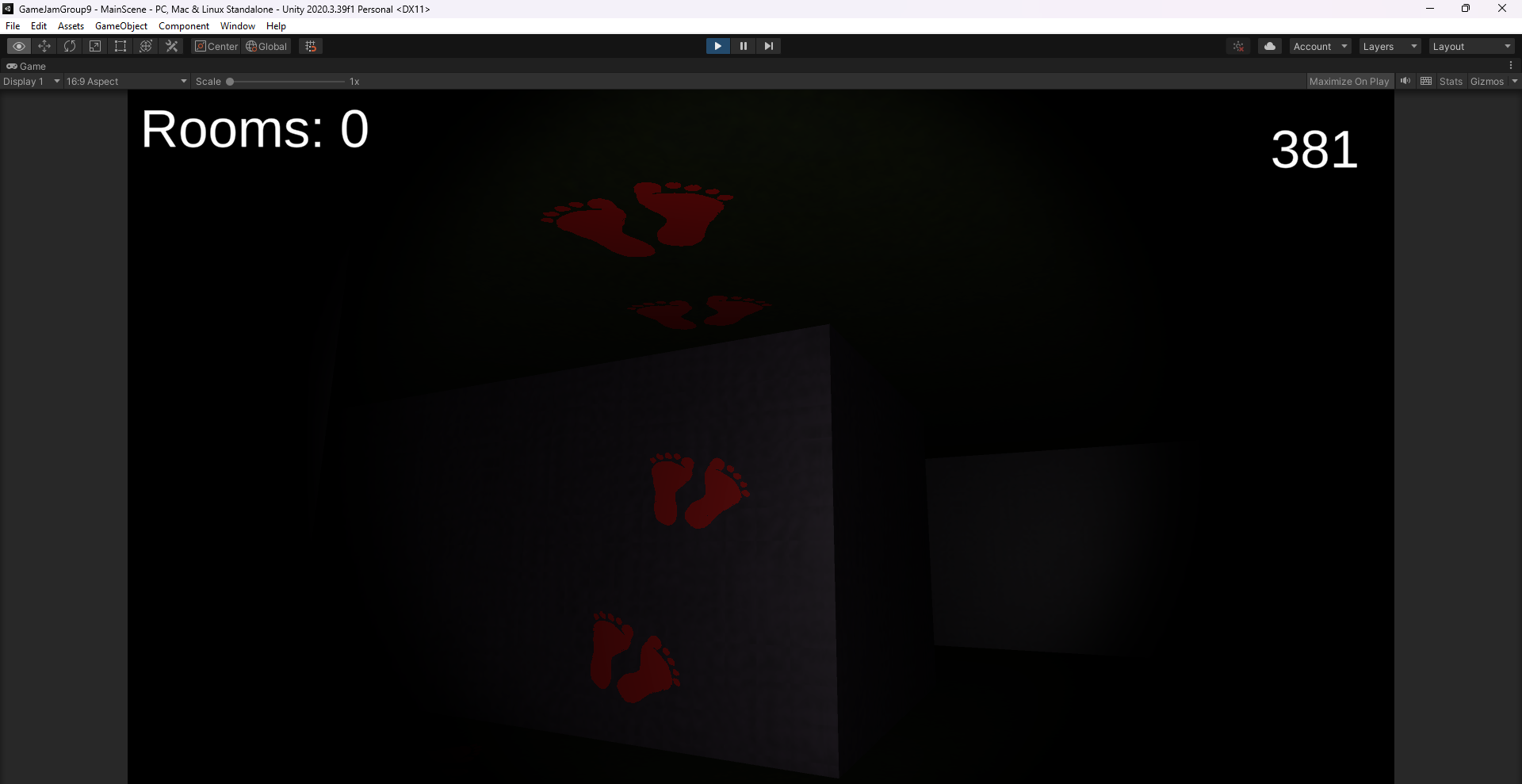
- Trap and scare toolkit (flickering flashlight, inverted controls, slow/speed zones, jump scares) that level designers combine freely
Leadership
- Led a team of newer students (the coordinator placed me there to lead it) and set up a prefab workflow so the artists could do the level design themselves
Overview
A midterm game jam at college with teams chosen by the coordinator, who placed me with newer students so I could lead the team. Together we picked horror for the theme “Another World.”
Most of the team were artists, so they created the levels they wanted, and I turned their levels into prefabs wired with the gameplay functions I wrote. They level-designed with those prefabs, and we playtested together and adjusted as needed. One teammate built the menu and I programmed the rest of the game.
Technical deep dive
Maze generator
The biggest system was a random maze generator. Its result was saved and then decorated by hand, since we didn’t have time for fully procedural decoration. It is adapted from Kodeco’s procedural maze tutorial and split into three parts: a constructor that controls the others (start and end positions, displaying the maze), the data, and the mesh.
public int[,] FromDimensions(int sizeRows, int sizeCols)
{
    int[,] maze = new int[sizeRows, sizeCols];
    int rMax = maze.GetUpperBound(0);
    int cMax = maze.GetUpperBound(1);

    for (int i = 0; i <= rMax; i++)
    {
        for (int j = 0; j <= cMax; j++)
        {
            if (i == 0 || j == 0 || i == rMax || j == cMax)
            {
                maze[i, j] = 1;
            }
            else if (i % 2 == 0 && j % 2 == 0 && Random.value > placementThreshold)
            {
                maze[i, j] = 1;

                int a = Random.value < .5 ? 0 : (Random.value < .5 ? -1 : 1);
                int b = a != 0 ? 0 : (Random.value < .5 ? -1 : 1);
                maze[i + a, j + b] = 1;
            }
        }
    }
    return maze;
}
Trigger and scare system
Traps are UnityEvents behind a trigger with an optional cooldown, so a trap can reset itself or fire only once. The effects live in a separate component, so a level designer just adds both and fills in what’s needed.
private void OnTriggerEnter(Collider other)
{
    if (isOnCooldown || !other.CompareTag("Player"))
        return;

    enterEventToTrigger.Invoke();
    if (playOnce)
        enterEventToTrigger = new UnityEvent();
    if (cooldown > 0)
        StartCoroutine(OnCooldown());
}

IEnumerator OnCooldown()
{
    isOnCooldown = true;
    yield return new WaitForSeconds(cooldown);
    resetFunctions.Invoke();
    isOnCooldown = false;
}

// One of the effects a trap can call
IEnumerator Flicker(float timeToFlicker)
{
    GameObject lightGO = fpsMov.spotlight.gameObject;
    float timer = 0;
    while (timer < timeToFlicker)
    {
        lightGO.SetActive(false);
        float off = Random.Range(0.2f, 0.5f);
        yield return new WaitForSeconds(off);
        lightGO.SetActive(true);
        float on = Random.Range(0.15f, 0.3f);
        yield return new WaitForSeconds(on);
        timer += off + on;
    }
}
To make the 2D art work in 3D, a small script keeps each sprite facing the camera (only while it’s visible).
Challenges
I was the only team member with Unity experience, so we had to be realistic about what could be built in a jam. My focus was on making the team productive: prefabs and tools they could use without coding, regular playtests, and stepping in on parts that needed rework, such as the menu’s UI scaling and anchoring.
Images
Links
Like this project? Get in touch or connect on LinkedIn.