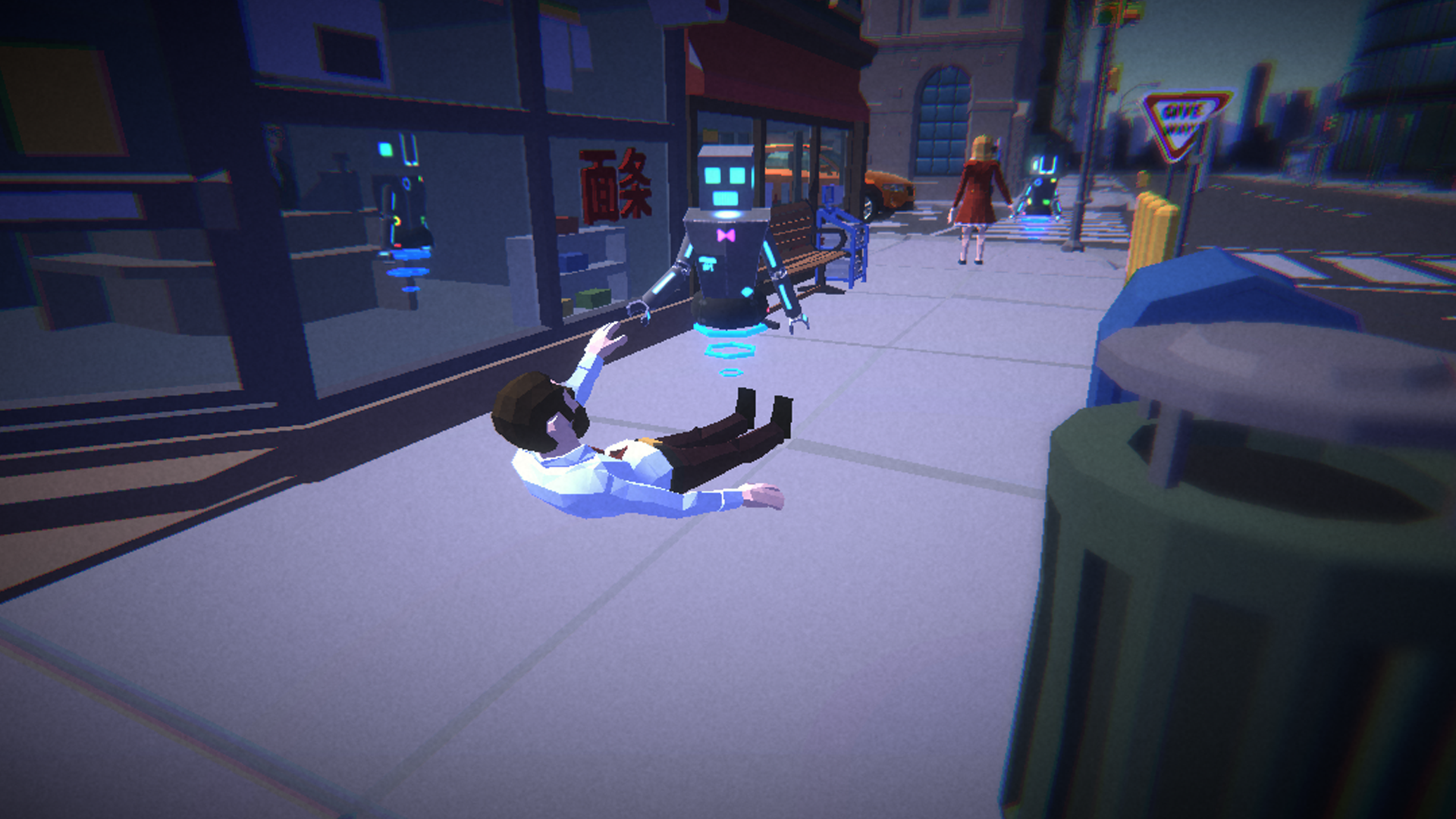
Dream Arcade Simulator
Arcade management sim · Centennial College capstone, team of five
- RoleGameplay Programmer
- Year2021
- EngineUnity
- Team5
- ForCentennial College capstone
Highlights
- Turn-based day/night loop: plan and build your arcade at night with time stopped, then watch robot customers play it out during the day
- Customers with game preferences, patience and a temper: wait too long and they leave, sometimes breaking machines you’ll pay to repair
- Win on money and fame, with a cheat code system inspired by The Sims as an escape hatch
Overview
Dream Arcade Simulator was our final project at Centennial College in 2021, made by a team of five over three to four months, in between classes.
You buy arcade machines and decorations, place, move, rotate and sell them, and robots come in to play. If they wait too long they leave, and sometimes they get mad and break things. We had more features planned, but cut them so we would have time to test properly.
Technical deep dive
How it works
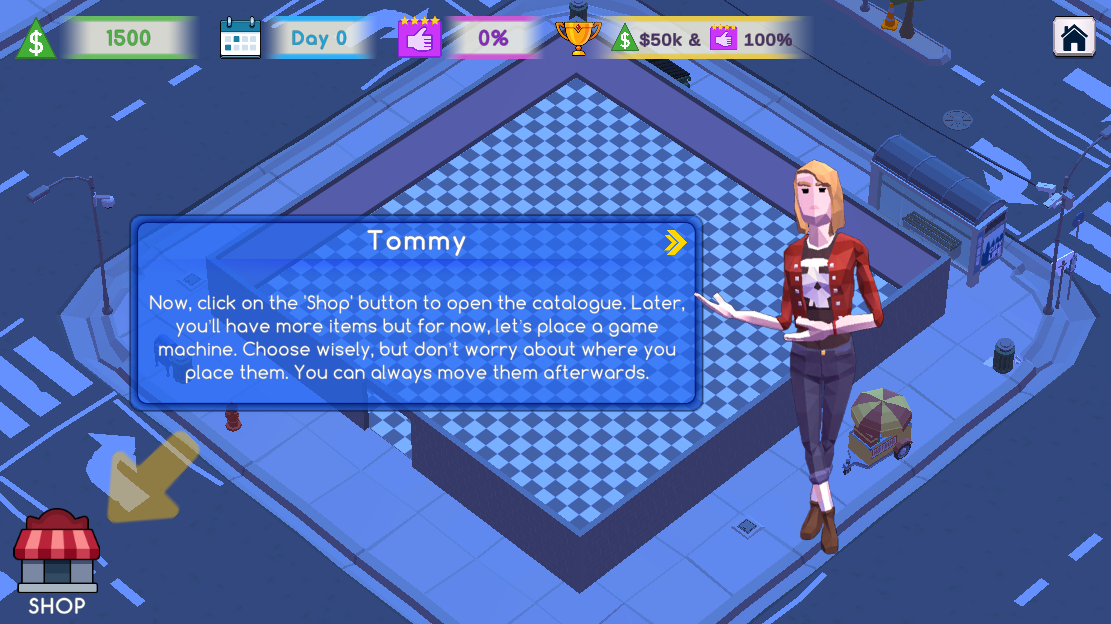
The game flows in turns. At night, time doesn’t move: you manage your place, open the shop, browse the tabs, and place, rotate, move and sell objects at your own pace. When you’re ready, you press play at the top.
During the day, time flows on its own and can be sped up. Robots arrive based on your arcade’s fame, walk around and decide whether to play. Each prefers a specific type of game, and if no machine is free they wait for a while. If they give up, they might break a machine on the way out, and you’ll repair it later (and pay for it).
To win you need plenty of money and fame, or you can skip all that with a cheat code system inspired by The Sims.
What I worked on
The day/night cycle, all of the night functionality (buying, placing, grid, shop, tabs), the audio controllers, and helping with the AI, including a fix for AI code that overloaded the CPU, making the game stutter, drop frames and overheat the machine, because objects weren’t being disposed properly.
Build controller: selecting, buying, placing and selling machines
public void SelectToBuild(ArcadeMachineSO am)
{
    if (isBuilding)
        Destroy(currentNewGO);

    if (am.CostToBuy > es.GetCurrentValue())
        return;

    currentNewGO = Instantiate(am.MachinePrefab, Vector3.zero, Quaternion.identity);
    currentNewGO.GetComponent<ArcadeMachineController>().am = am;
    isBuilding = true;
    turnOffAndOnWhenBuilding.Invoke();
}

public void SellObject(ArcadeMachineController amc)
{
    gm.RemoveMachine(amc);
    Destroy(amc.gameObject);
    es.Add(Mathf.CeilToInt(amc.am.CostToBuy * es.sellingPricePercentage));
    shopC.OpenWindow();
}

public void Construct()
{
    if (!isBuilding)
        return;

    currentNewGO.transform.parent = machineListObject;

    ArcadeMachineController amc = currentNewGO.GetComponent<ArcadeMachineController>();
    gm.AddMachine(amc);
    foreach (Collider c in amc.colliders)
        c.enabled = true;

    if (isMoving)
    {
        sc.FinishMove();
        isMoving = false;
    }
    else
    {
        es.Subtract(buyingMachine.CostToBuy);
        shopC.OpenWindow();
    }

    currentNewGO = null;
    isBuilding = false;
    reverseTurnOffAndOn.Invoke();
    StartCoroutine(sc.JustBuiltOrMoved());
}
Day/night cycle: blending the skybox, exposure and light color
private IEnumerator BlendDayNight()
{
    float timeSpent = 0f;
    float exposureStep = (cubemapExposureFinalValue - cubemapExposure) / timeTransitionDayToNightInSeconds;
    float transitionStep = (1f - cubemapTransitionMaxValueBeforeNight) / timeTransitionDayToNightInSeconds;

    while (timeSpent < timeTransitionDayToNightInSeconds)
    {
        SkyboxShaderModifications((transitionStep * timeSpent) + cubemapTransitionMaxValueBeforeNight);
        sky.SetFloat("_Exposure", (exposureStep * timeSpent) + cubemapExposure);

        yield return new WaitForSeconds(stepForTransitionsInSeconds);
        timeSpent += stepForTransitionsInSeconds;
    }

    SkyboxShaderModifications(1f);
    sky.SetFloat("_Exposure", cubemapExposureFinalValue);
    gm.StartNighttime(); // UnityEvents can't take parameters from the Inspector, so this call is direct
}

void SkyboxShaderModifications(float transitionAndColor)
{
    sky.SetFloat("_CubemapTransition", transitionAndColor);
    sky.SetColor("_TintColor", cubemapDayNightColor.Evaluate(transitionAndColor));
    directionalLight.color = lightDayNightColor.Evaluate(transitionAndColor);
}
Cheat codes: designers add codes and their effects in the Inspector
[Serializable]
public class CheatCode
{
    public string cheatCode;
    public UnityEvent cheatResults;
}

public void CodeList(string sentCode)
{
    foreach (CheatCode cc in cheats)
    {
        if (cc.cheatCode == sentCode)
            cc.cheatResults.Invoke();
    }
    ClearCheatTry();
}
Challenges
Our prototype took a long time to become playable, because many systems had to be done, or close to done, before we could tell whether the game was fun. We hadn’t anticipated that risk going in. Next time I would build a rougher vertical slice first, to test the core loop before investing in the full systems.
Images
Like this project? Get in touch or connect on LinkedIn.